
Connect a smartphone to a laptop via Bluetooth
Step 1: Enable Bluetooth on both your smartphone and laptop. Step 2: On your laptop go to Settings > Devices > Bluetooth &…
Step 1: Enable Bluetooth on both your smartphone and laptop. Step 2: On your laptop go to Settings > Devices > Bluetooth &…

How to Connect to Wi-Fi and Troubleshoot Wi-Fi allows you to connect to the internet wirelessly from your laptop, phone, or tablet.…
How to Find Lost Files on PC (Windows) Ever feel like your precious files have vanished into thin air?Whether it’s a lost…
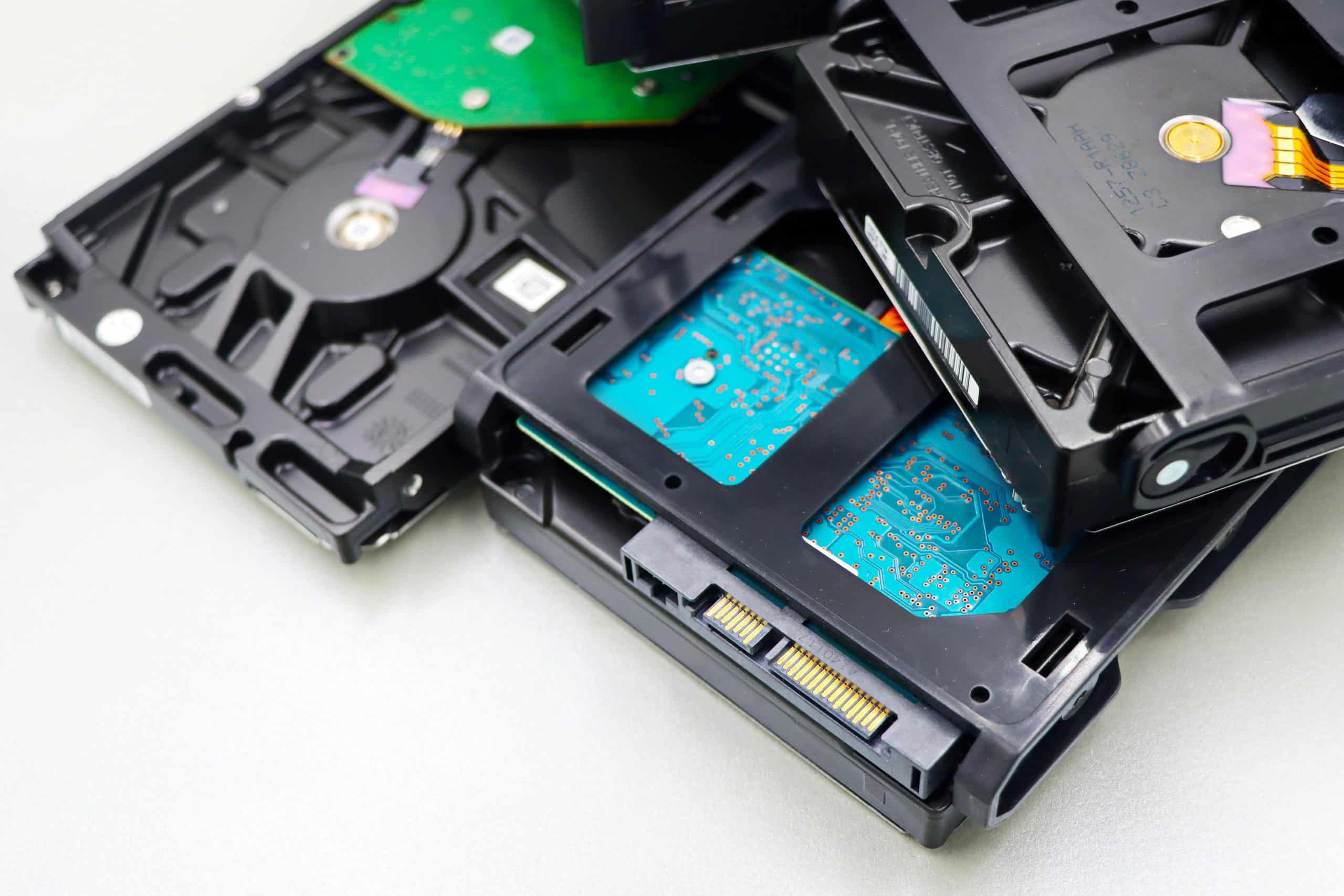
I think there should be a hardware section as well, this could include things like on how to fix little things on…
A Spam/ Scam Email are unwanted messages sent to you in order to advertise, scam you, steal your information and even try…
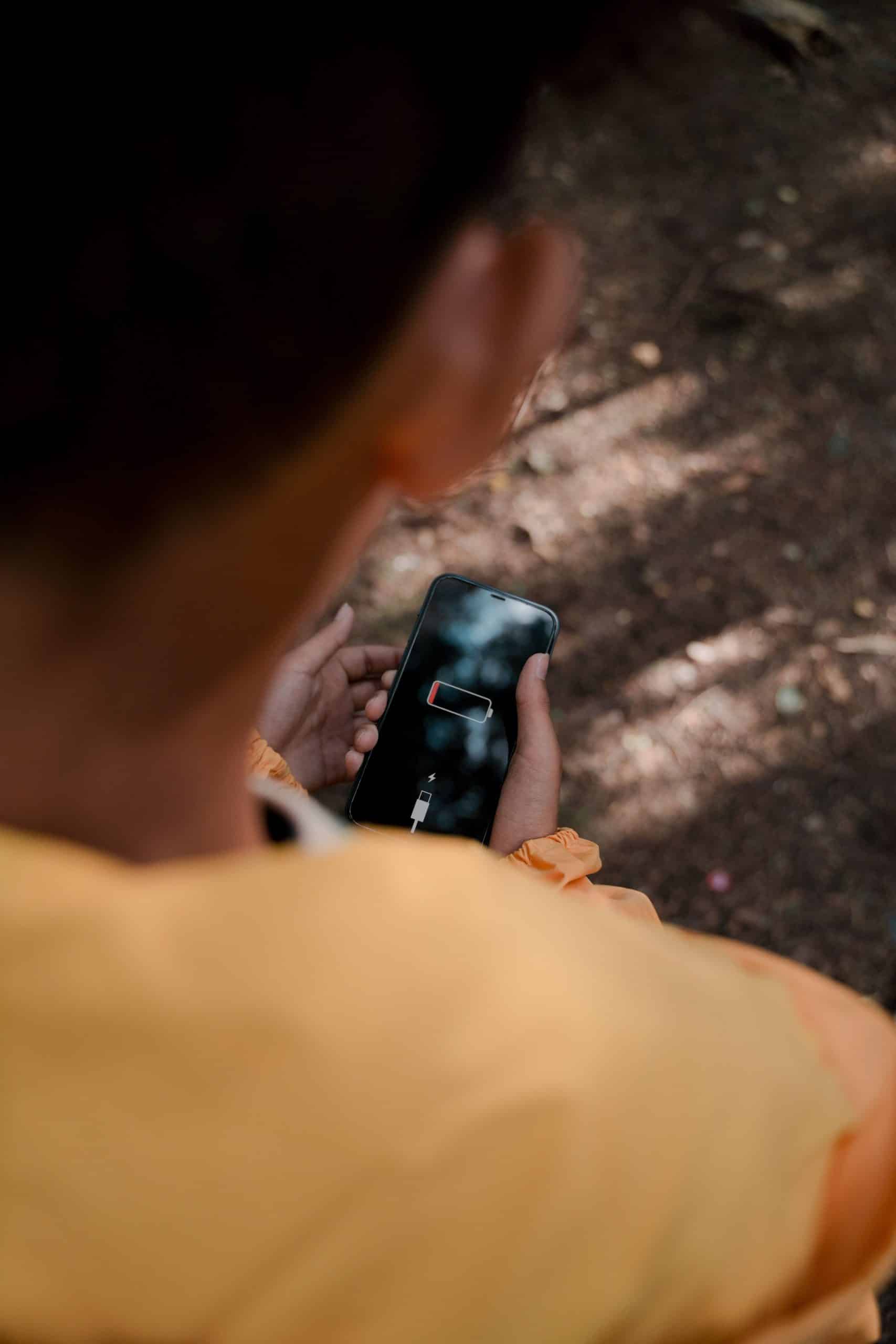
Step 1: Go to your dial section in the phone and type “*#9900#“. Step 2: It will take you to “SysDump” and…
Connecting to Wi-Fi is a straightforward process that involves enabling Wi-Fi on your device, selecting a network, and entering the password if…

STEP 1: Choose a striking image Select an image that visually depicts what your video is about. it should spark curiosity and…
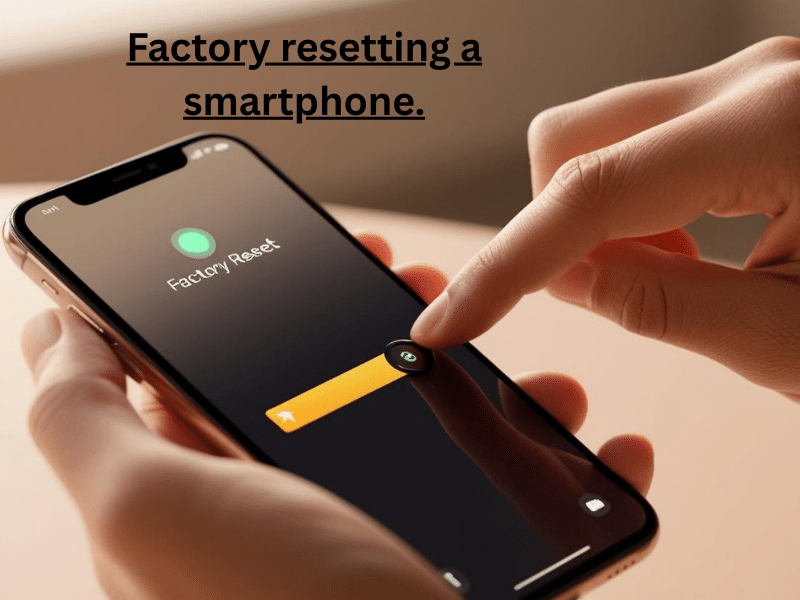
How to Factory Reset a Phone (Android & iPhone) Whether you’re selling your phone, troubleshooting issues, or protecting your data after a…
Whether you’re new to Android or just need a refresher, this guide will walk you through installing apps, uninstalling them, and managing…
Open the tiktok app tap the + button Record a video by holding down the red button , or tap the upload…
How to protect your Android device, and minimize the impact if it’s lost or stolen. Introduction Smartphones are personal, portable, and often…

Step 1 – Download WhatsApp. Step 2 – Enter your phone number. Step 3 – Verify the code and agree to the…
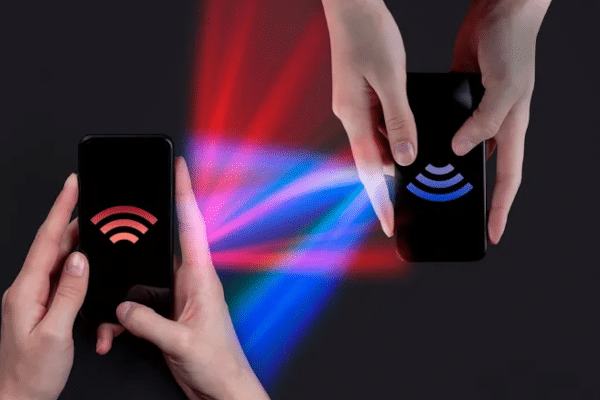
Before you start: Phones should be charged above 50% Connected to Wi-Fi Enough Storage Keep both phone close to each other …

How to transfer data from android to IOS Step 1 – Make sure both devices have power then plug both phones into…
Step 2: Place it near the old iPhone. Step 3: A Quick Start popup appears on the old phone. Step 4: Tap Continue. Step 5: Scan the animation…
Step 1: Connect your iPhone to your PC using a USB cable. Step 2: Unlock your iPhone and press “Trust this computer“.…

I think capcut should be added, it could include how to install it, and how to use simple things like transitions, importing…

Step 1: Open your phone or computer (if the computer supports facetime/videocall) Step 2: Press onto the phone app, this is found…
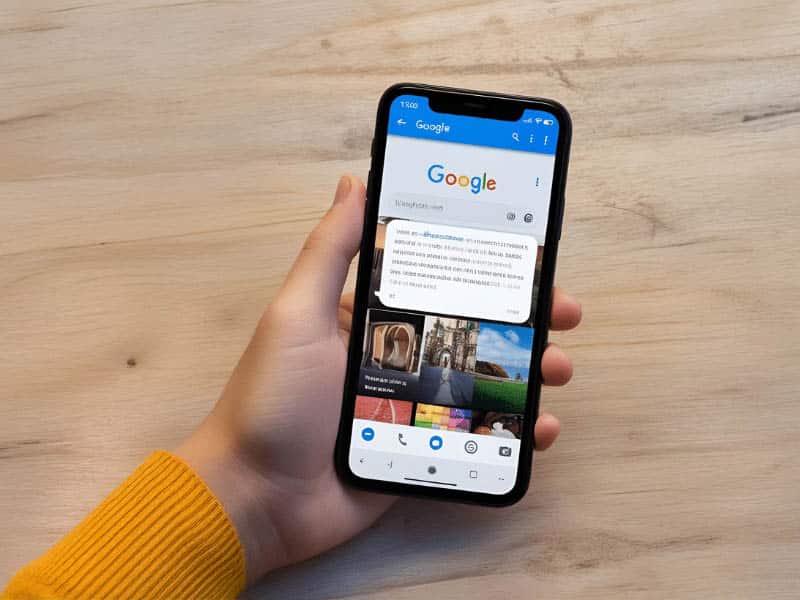
In this tutorial, you’ll learn how to use Google tools and your smartphone to scan text, translate it into another language, and…
How to use google translate. Google Translate is a free, easy-to-use tool that helps you translate words, phrases, and even entire websites.…
Reverse image search is a valuable tool that allows you to find the original form and location of an image (not including…
Step 1: Download and Open the App Go to the Google Play Store (Android) or App Store (iPhone) and search for “Bee…
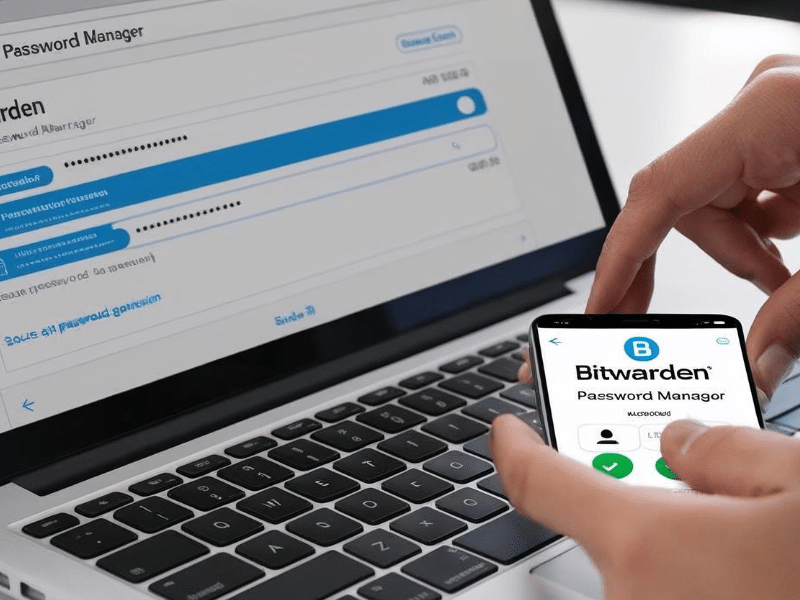
Master Your Passwords: The Ultimate Beginner’s Guide to Bitwarden Password managers are essential tools for staying secure online. They help you create,…
Or know something we should add?