Step 1: Download and Open the App
Go to the Google Play Store (Android) or App Store (iPhone) and search for “Bee Network.” Once installed, open the app. You don’t need an account just to look at times, but you will need one to buy tickets.
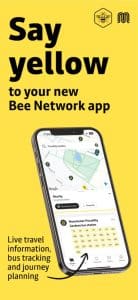
Step 2: Planning a Journey from Oldham
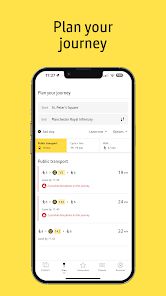
On the main screen, tap “Plan a journey.”
- Enter your starting point (e.g., “Oldham Mumps”).
- Enter where you want to go (e.g., “Manchester Piccadilly”).
- The app will show you exactly which bus or tram to take and what time it leaves.
Step 3: Buying Your Ticket
You can buy tickets directly on the app so you don’t need to use cash on the bus.
- Tap the “Tickets” icon at the bottom.
- Select “Buy a ticket” and choose “Bus” or “Tram.”
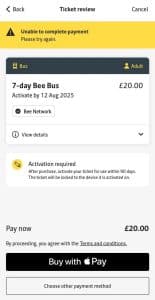
- Choose the ticket that fits your trip (like a “Single” or “1-Day AnyBus”).
- Pay using your bank card
Step 4: Activating Your Ticket
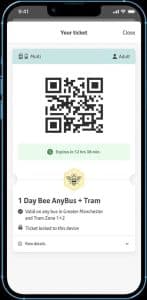
After you buy a ticket, it will stay in your “Wallet.”
Important: You must tap “Activate” on the ticket just before you board the bus. This starts the timer on your ticket and shows a QR code for the driver to scan.
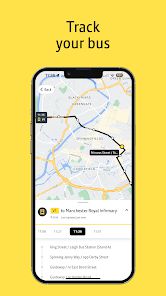
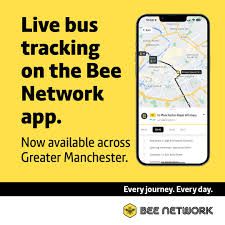
Step 5: Tracking Your Bus Live
To see exactly where your bus is, tap the “Nearby” icon. You will see a map of your area.
- Find your bus stop on the map and tap it.
- The app will show you a “Live” countdown in minutes for the next bus.