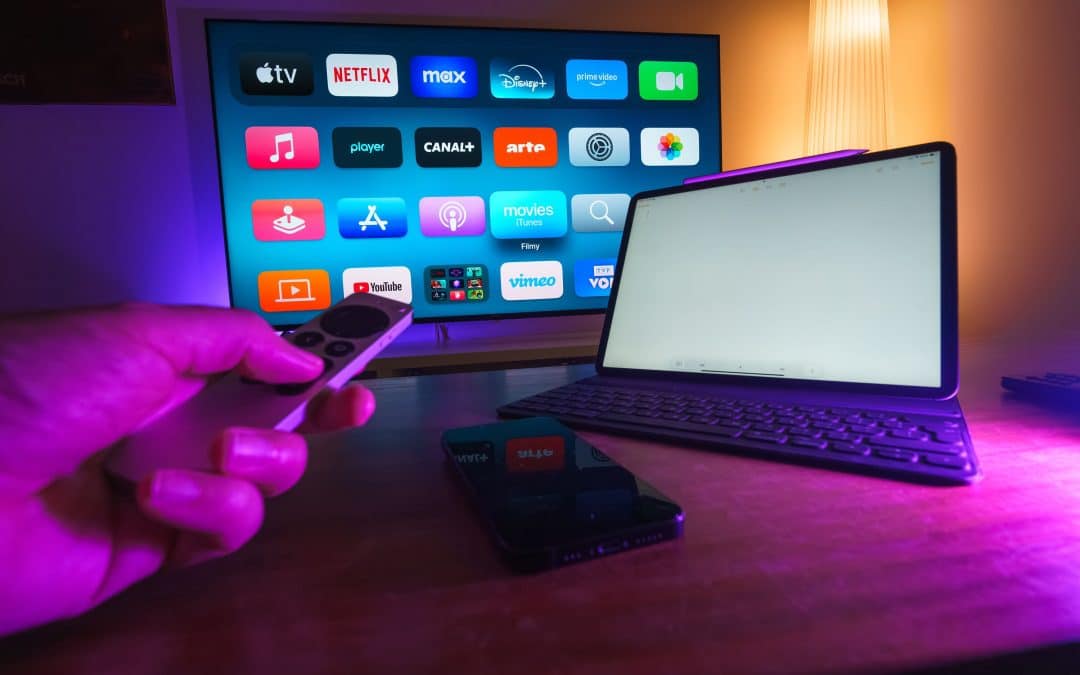
Step 1: Turn on the laptop and click “window key + K”. Step 2: it will show you a list of devices you can cast with.. Step 3: Choose your TV name on the laptop. Step 4: Your laptop will be connected to the TV.
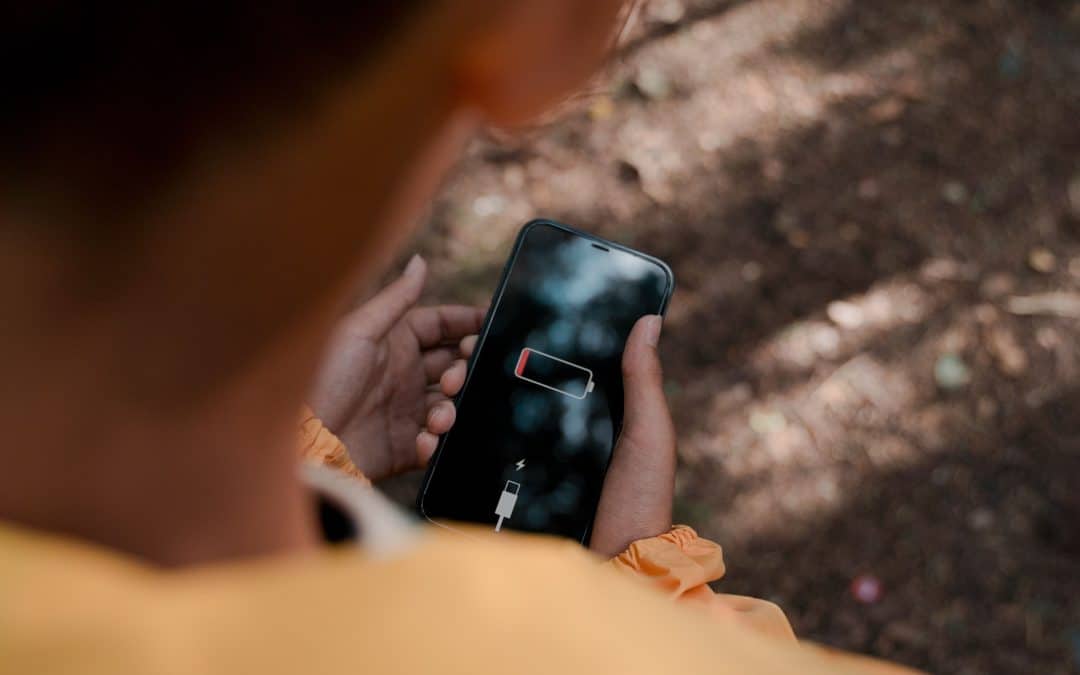
Step 1: Go to your dial section in the phone and type “*#9900#”. Step 2: It will take you to “SysDump” and click on “Run Dumpstate/logcat” and wait about 1 to 2 minutes. Step 3: Then click on the option of “Copy to...
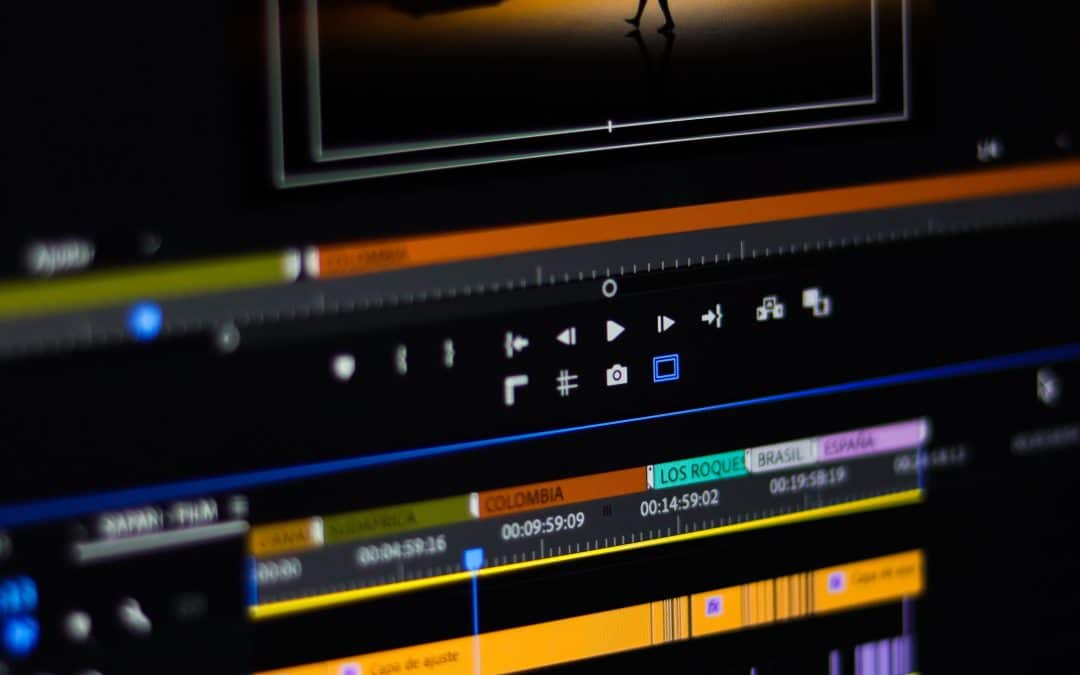
I think capcut should be added, it could include how to install it, and how to use simple things like transitions, importing and exporting, and then effects....
I think there should be a hardware section as well, this could include things like on how to fix little things on a pc, phone, laptop and etc. it could be changing ram, changing little phone things like the sim card. then it could include things like what wires do...
some things you’ll need before starting include: access to your Virgin Media WIFI any search engine (for example microsoft edge or google chrome) A Virgin Media router that you can access make sure you are connected to your Virgin Media WIFI (this is important)...