Whether you’re new to Android or just need a refresher, this guide will walk you through installing apps, uninstalling them, and managing where they are stored. Table of Contents Installing Apps Uninstalling Apps Choosing Where to Install Apps: Internal vs...
How to Factory Reset a Phone (Android & iPhone) Whether you’re selling your phone, troubleshooting issues, or protecting your data after a loss or theft, performing a factory reset is a key step. This tutorial will walk you through how to reset your phone...
How to Copy and Paste There are two primary ways to copy and paste: Using Keyboard Shortcuts: First, locate the “Ctrl” (Control) key on your keyboard, typically found at the bottom left and right. To copy, highlight the text or select the object, then...
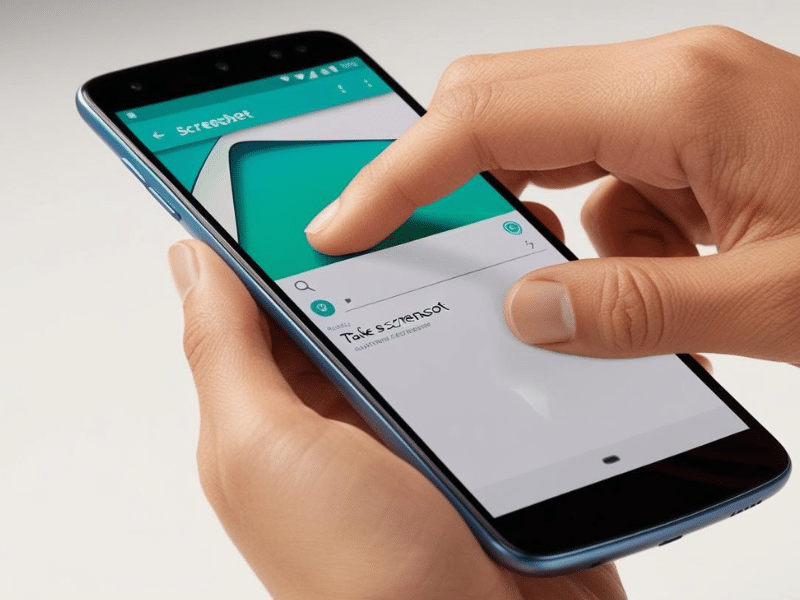
How to Capture a Screenshot on an Android Device Taking a screenshot on an Android device is quick and easy, though the process may differ slightly based on the device model and Android version. Below are the most common methods to capture your screen. Method 1: Using...
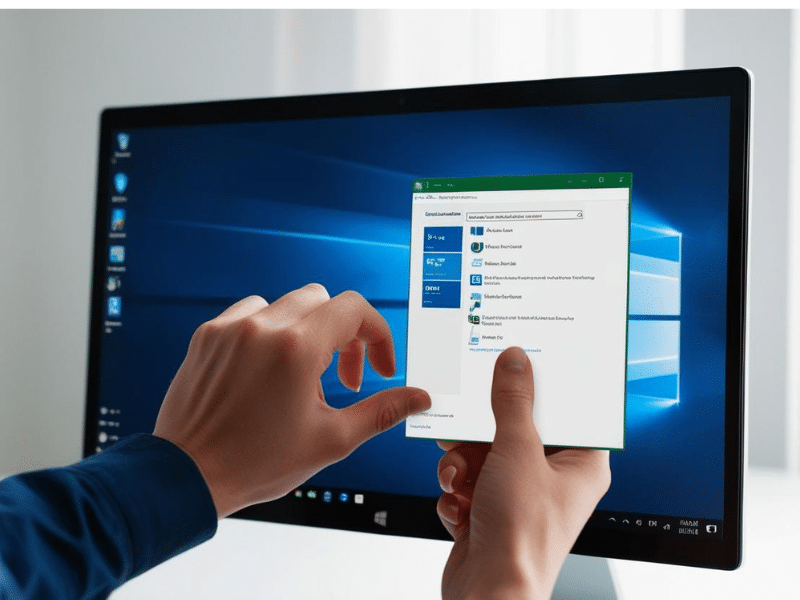
How to Take a Screenshot on a Windows PC A screenshot is a picture of your computer screen. You can use it to show someone what’s on your screen, save information, or help solve problems. Here are easy ways to take a screenshot: 1. Screenshot of the Whole Screen Press...