Step 1: The Secure Login
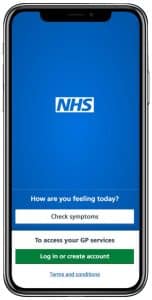
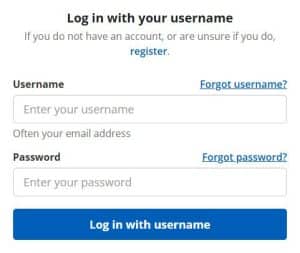
Open the NHS App. You will need to use your NHS Login (email and password). If your phone has a fingerprint or face scanner, you can set this up to make logging in easier next time.
Step 2: Ordering Repeat Prescriptions
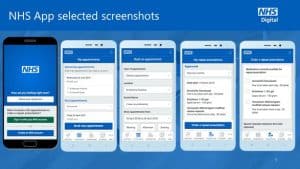
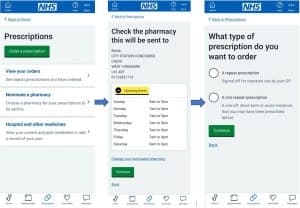
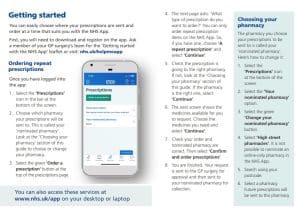
Tap the “Prescriptions” icon at the bottom of the screen.
1. Select “Order a repeat prescription.”
2. Check the boxes for the medication you need.
3. Choose your preferred pharmacy.
Step 3: Checking Your Appointments
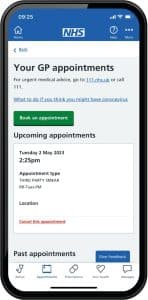
Tap the “Appointments” icon. Here you can see:
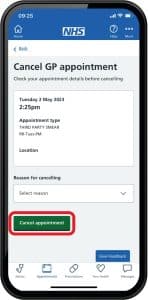
1. GP Appointments: View the time and date of your next visit.
2. Hospital Referrals: See the status of any appointments at Royal Oldham Hospital.
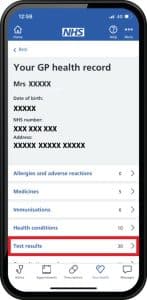
Step 4: Viewing Your GP Health Record
Tap “Your Health” and then “GP health record.” You can see your recent test results and immunizations (like your latest flu jab) without having to call the surgery.