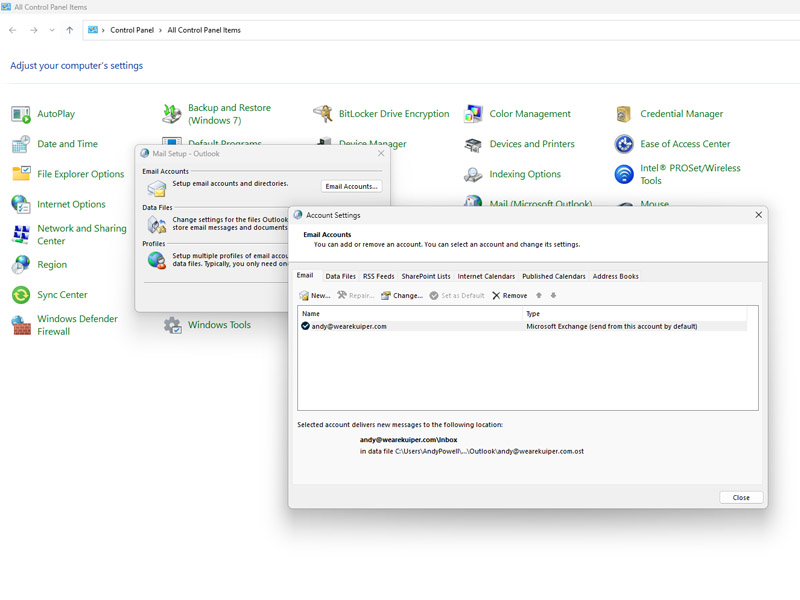
Adding a POP3 or IMAP email account to Microsoft Outlook
Click Start, Type “Control” and click on “Control Panel Click on “Mail (Microsoft Outlook) Then click “Email Accounts” Then Click “New” You will…
Click Start, Type “Control” and click on “Control Panel Click on “Mail (Microsoft Outlook) Then click “Email Accounts” Then Click “New” You will…

Log in to your webmail at https://webmail.inclusivehosting.org/ using your email account and password. Click on [Settings] then [Vaction] Add the details for…
A Spam/ Scam Email are unwanted messages sent to you in order to advertise, scam you, steal your information and even try…
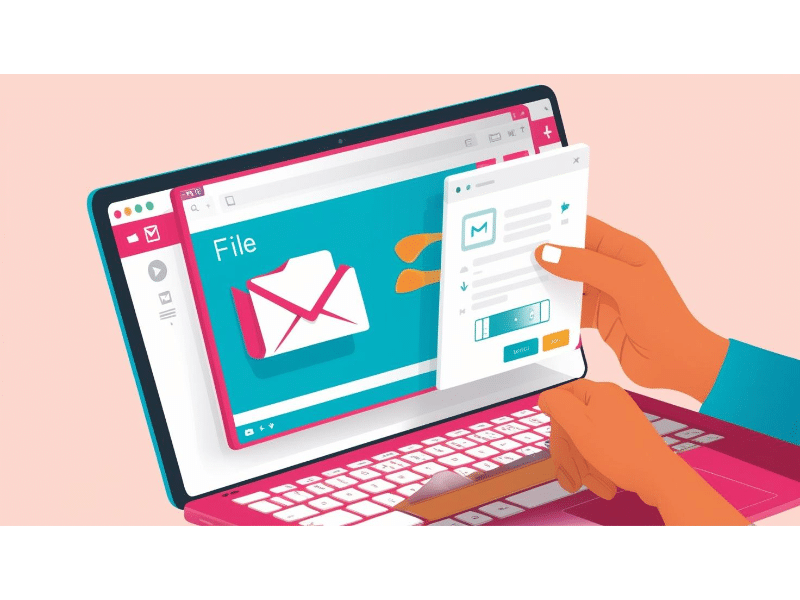
How to Add Files to an Email: A Step-by-Step Guide Attaching files to an email is a common and essential task. Here’s…
A Simple Guide to Using “Have I Been Pwned” to Check if Your Data Has Been Breached What is “Have I Been…

How to Create an Email Email Account using Gmail as an example: A Step-by-Step Tutorial Creating an email account is easy and…
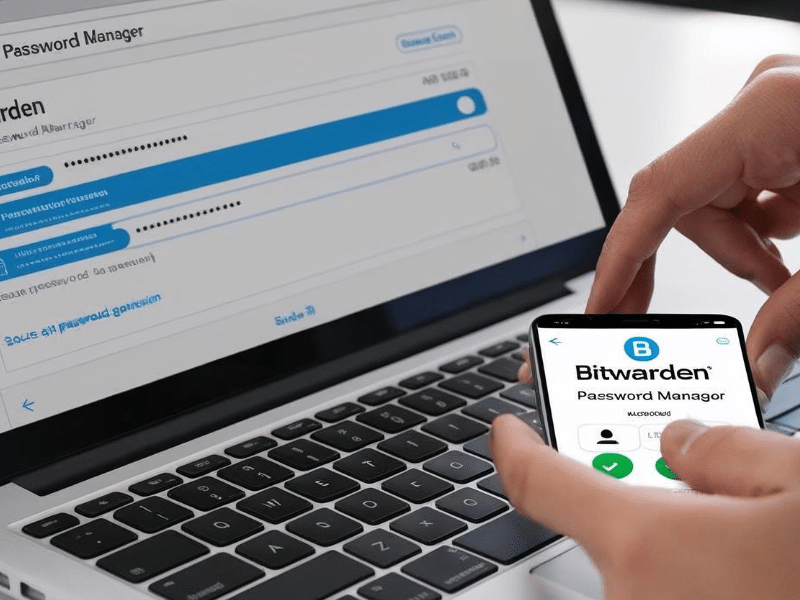
Master Your Passwords: The Ultimate Beginner’s Guide to Bitwarden Password managers are essential tools for staying secure online. They help you create,…
How to Copy and Paste There are two primary ways to copy and paste: Using Keyboard Shortcuts: First, locate the “Ctrl” (Control)…
🔗 Useful Websites Hub Welcome to your go-to collection of websites that can genuinely make life easier, cheaper, smarter, and more fun.…
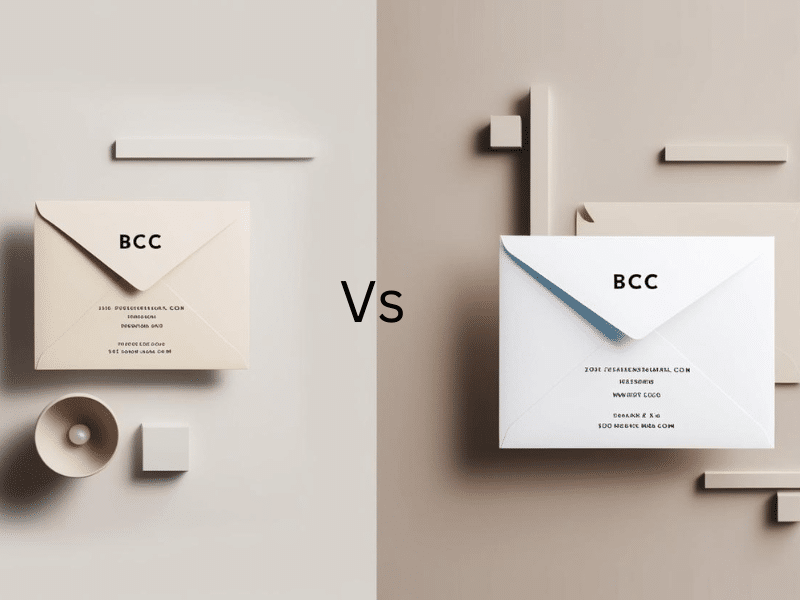
Understanding the Difference Between CC and BCC in Emails When composing an email, you may have encountered the fields labelled “CC” and…
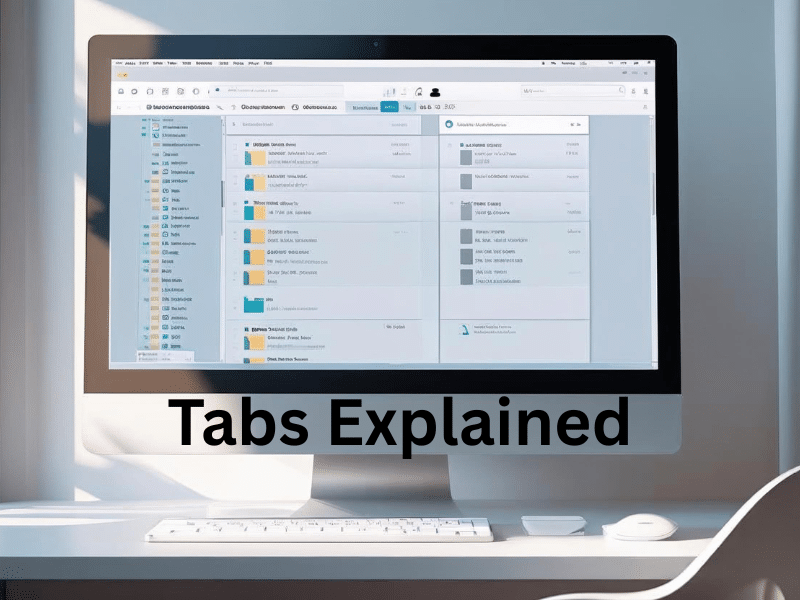
Why Tabs in Windows Are a Game-Changer If you’ve ever found yourself drowning in a sea of open File Explorer windows, constantly…

To The “To” field is for the person or persons you want to act on the content of the email. CC The…
Or know something we should add?