Using browsers, you can find almost any information that you need, but in order to find something more specific, you may need to use search operators.
A search operator is something that adds to a search in order to narrow the search down more, here is how to use some of the most important ones, maybe you’ve even used some accidentally before!
Search operators:
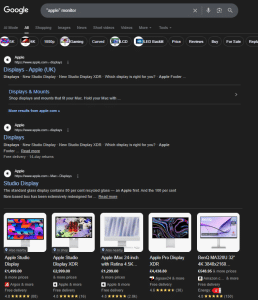
- ” ” Searches for results that has text in the ” ”

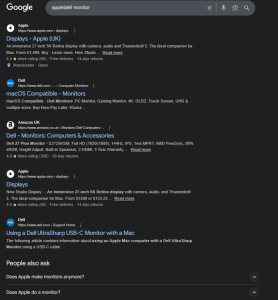
- | Shows results of either one result or the other

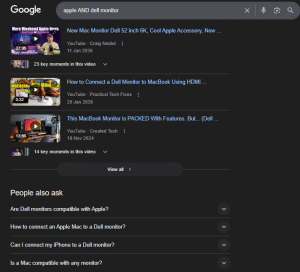
- AND Search for results related to both of the results

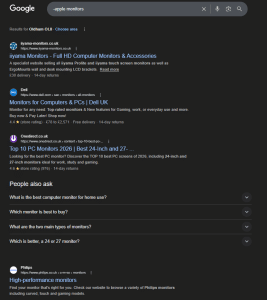
- – Search for results that don’t mention a word or phrase

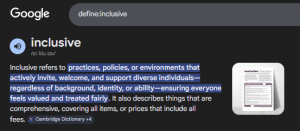
- define: Search for the definition of a word or phrase

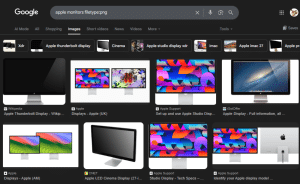
- ext: Search for particular types of files, like a png/jpg (images)

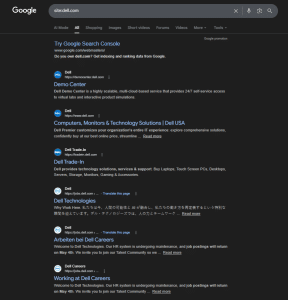
- site: Search for results from the website you want

- intitle: Search for pages with a particular word in the title tag

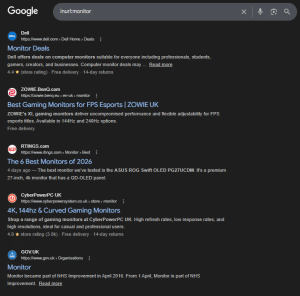
- inurl: Search for pages with the word you added in the link

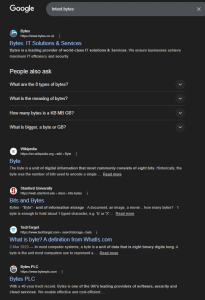
- intext: Search for pages with the word you added in their content

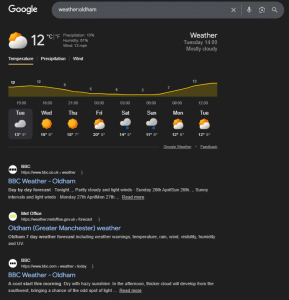
- weather: Search for the weather in a location

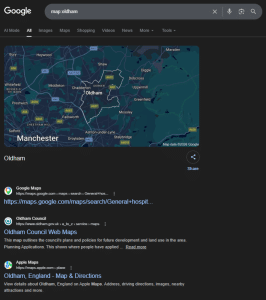
- map: Search for the map of a location

- before: Search for results from before the date said

- after: Search for results from after the date said