
Navigate to the page you want to add to amend and click Edit

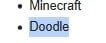
Add the text you want to link to the new page

Highlight the text
Then click ther link icon
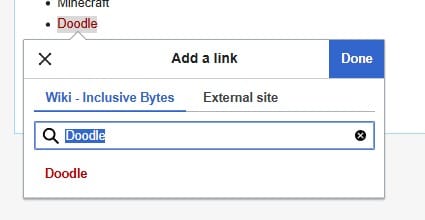
If the page does not already exists the text will be red, if it already exists it will be blue. Either way click click done.
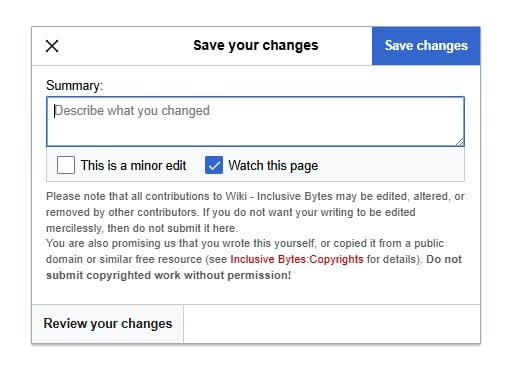
The click Save Changes

Optionally add a summary of what you have changed.
Then click [Save Changes]
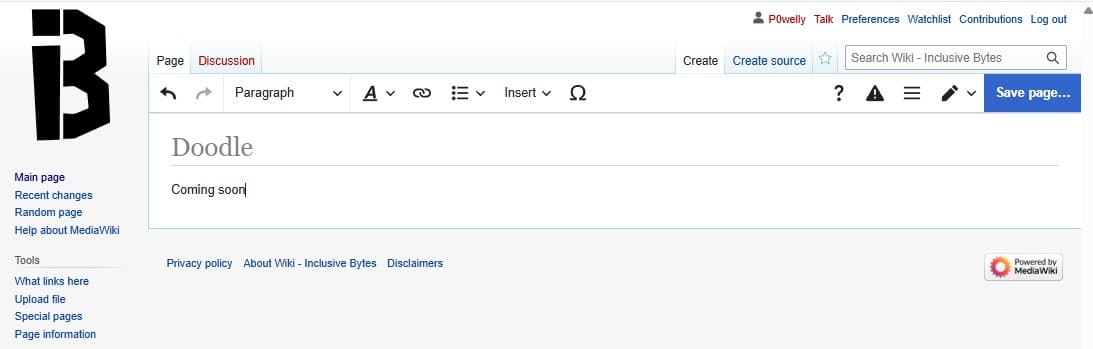
If the link you added is red, click on it to create the page.
You will need to add some content such as “Coming Soon” in order to enable the Save Page button.
Optionally add a summary of what you have changed.
Then click [Save Changes]

