1. Navigate to https://yourwebdomain.co.uk/wp-admin/index.php
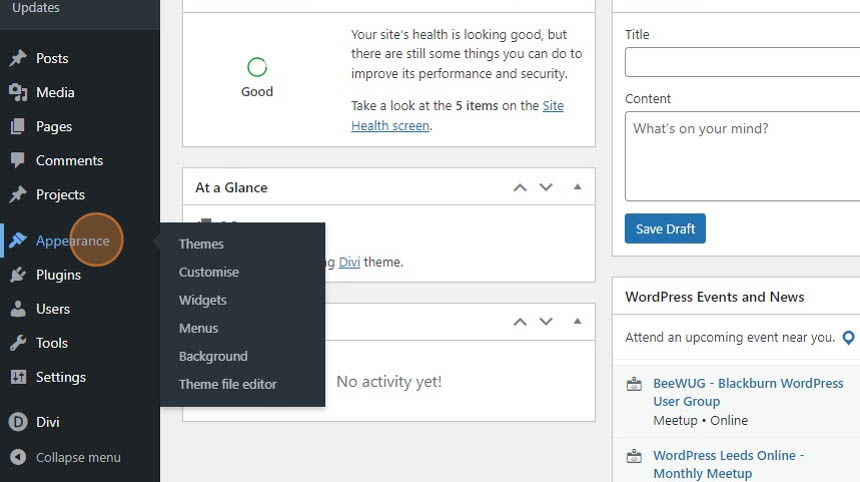
2. Click “Appearance”
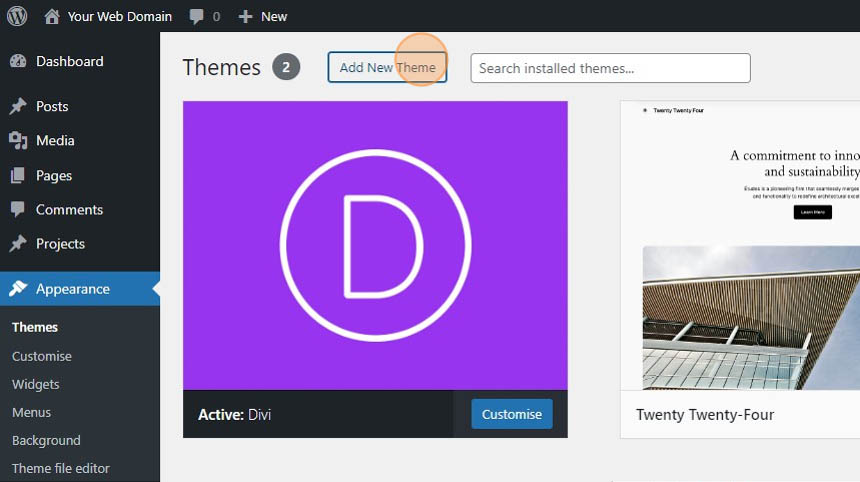
3. Click “Add New Theme”
4. Find the theme you want and Click “Install”

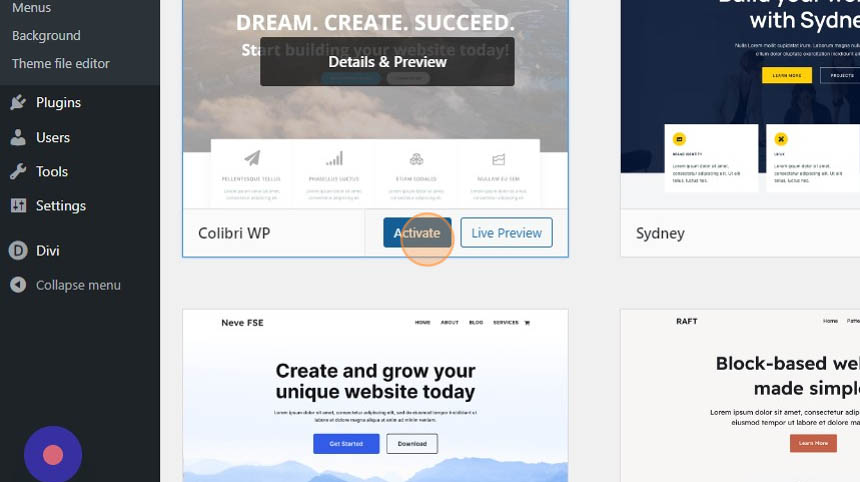
5. Click “Activate”
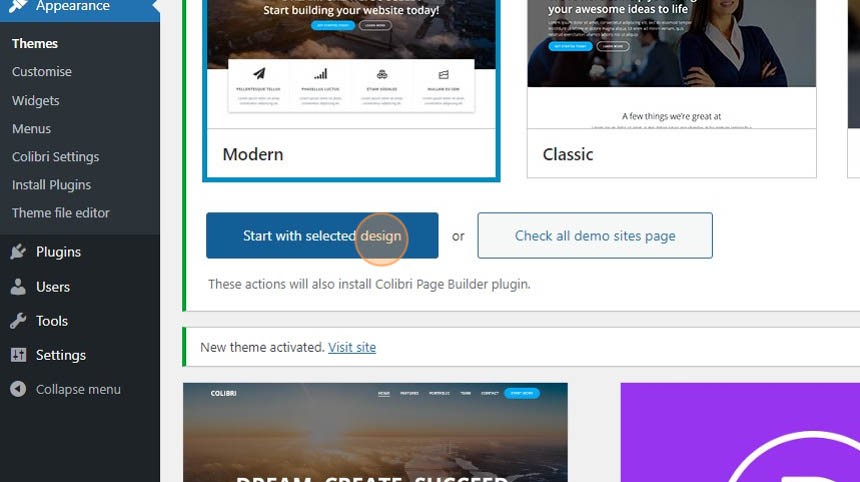
6. Then follow any on screen instructions for your chosen theme.
1. Navigate to https://yourwebdomain.co.uk/wp-admin/index.php
2. Click “Appearance”
3. Click “Add New Theme”
4. Find the theme you want and Click “Install”
5. Click “Activate”
6. Then follow any on screen instructions for your chosen theme.